

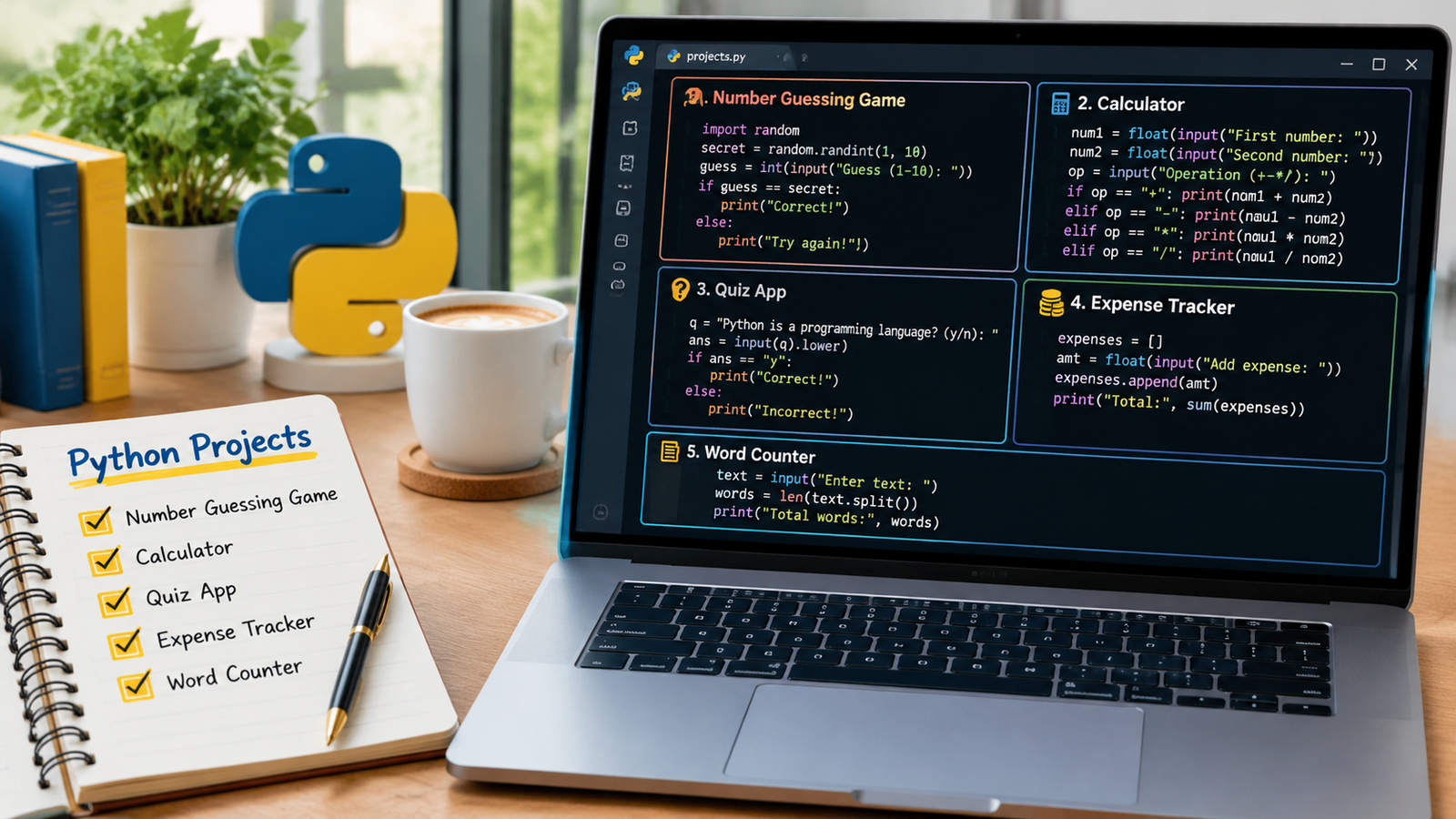
Reading Python tutorials helps you understand syntax, but building small programs shows you how the pieces work together. These five Python projects for beginners include complete source code, sample output and simple instructions for running each program. They start with basic input and conditions, then introduce functions, lists, CSV files and text processing.
You do not need previous programming experience or paid software. Each project uses Python’s standard library, so you can run the examples without installing extra packages. Work through them in order, or choose the project that matches the skill you want to practise.
If you are completely new to programming, first follow our beginner roadmap for learning Python from scratch. It covers setup, core concepts and a four-week practice plan before you tackle these projects.
What you will build
| Project | Level | Python concepts |
|---|---|---|
| Number guessing game | Beginner | Variables, input, loops, conditions and random numbers |
| Simple calculator | Beginner | Functions, numbers, operators and error handling |
| Multiple-choice quiz | Beginner | Lists, dictionaries, loops and score tracking |
| Expense tracker | Beginner | Functions, CSV files, validation and totals |
| Word counter | Beginner | Text files, regular expressions and counting data |
Before you start: set up Python
- Install a current version of Python 3 from python.org.
- Open a terminal or command prompt and check the installation with
python --version. On some systems, usepython3 --versionorpy --version. - Create a folder for your projects, such as
python-practice. - Save each code example in its own file with a
.pyextension. - Run a file from the project folder with
python filename.py. On Windows,py filename.pymay also work.
The examples below use features available in Python 3.10 and later. If you are new to the language, keep the official Python tutorial open as a reference. It explains variables, control flow, data structures, functions and file handling.
1. Number guessing game
This is a good first project because it uses a small number of concepts. The program chooses a number between 1 and 20. The player keeps guessing until the answer is correct. After each valid guess, the program says whether the answer is too high or too low.
What you practise: variables, input(), converting text to an integer, if statements, while loops and the random module.
Complete source code
import random

LOWER_LIMIT = 1
UPPER_LIMIT = 20

secret_number = random.randint(LOWER_LIMIT, UPPER_LIMIT)
attempts = 0

print(f"Guess the number between {LOWER_LIMIT} and {UPPER_LIMIT}.")

while True:
    raw_guess = input("Your guess: ").strip()

    try:
        guess = int(raw_guess)
    except ValueError:
        print("Enter a whole number.")
        continue

    if not LOWER_LIMIT <= guess <= UPPER_LIMIT:
        print(f"Choose a number from {LOWER_LIMIT} to {UPPER_LIMIT}.")
        continue

    attempts += 1

    if guess < secret_number:
        print("Too low.")
    elif guess > secret_number:
        print("Too high.")
    else:
        print(f"Correct. You got it in {attempts} valid guesses.")
        break
Sample output
Guess the number between 1 and 20.
Your guess: 7
Too low.
Your guess: 15
Too high.
Your guess: 12
Correct. You got it in 3 valid guesses.
The sample assumes the program selected 12. Your secret number will be different each time. The program counts only valid guesses, so a word or a number outside the allowed range does not increase the attempt count.
Try improving it
- Let the player choose the range before the game begins.
- Set a maximum number of attempts.
- Ask whether the player wants to start another round.
- Save the best score in a text file.
Read the official random module documentation to learn more about generating random numbers.
2. Simple calculator
A calculator is a useful way to practise functions and decision-making. This version accepts two numbers and one operator. It supports addition, subtraction, multiplication and division, and it checks for division by zero.
What you practise: functions, floating-point numbers, conditional statements, exceptions and returning a result from a function.
Complete source code
def calculate(first, operator, second):
    if operator == "+":
        return first + second

    if operator == "-":
        return first - second

    if operator == "*":
        return first * second

    if operator == "/":
        if second == 0:
            raise ZeroDivisionError("Cannot divide by zero.")
        return first / second

    raise ValueError("Choose +, -, * or /.")


def main():
    try:
        first = float(input("First number: "))
        operator = input("Operator (+, -, *, /): ").strip()
        second = float(input("Second number: "))

        result = calculate(first, operator, second)

    except ValueError as error:
        print(f"Input error: {error}")

    except ZeroDivisionError as error:
        print(error)

    else:
        print(f"Result: {result:g}")


if __name__ == "__main__":
    main()
Sample output
First number: 18
Operator (+, -, *, /): /
Second number: 3
Result: 6
The calculate() function keeps the arithmetic separate from the user interface. That makes it easier to reuse and test. The try and except blocks prevent common input errors from stopping the program unexpectedly.
Try improving it
- Add remainder (
%) and power (**) operations. - Allow the user to perform several calculations before exiting.
- Add a calculation history.
- Write tests for each operator, invalid input and division by zero.
3. Multiple-choice quiz
This project turns a list of questions into a small quiz. Each question has three options and one correct answer. The program checks the player’s response and displays a final score.
What you practise: lists, dictionaries, loops, string methods, conditions and counting results.
Complete source code
questions = [
    {
        "prompt": "Which keyword defines a function in Python?",
        "options": {"A": "func", "B": "def", "C": "function"},
        "answer": "B",
    },
    {
        "prompt": "Which data type stores True or False?",
        "options": {"A": "bool", "B": "str", "C": "list"},
        "answer": "A",
    },
    {
        "prompt": "Which symbol starts a Python comment?",
        "options": {"A": "//", "B": "<!--", "C": "#"},
        "answer": "C",
    },
]

score = 0

for number, question in enumerate(questions, start=1):
    print(f"\nQuestion {number}: {question['prompt']}")

    for letter, option in question["options"].items():
        print(f"{letter}. {option}")

    answer = input("Your answer (A/B/C): ").strip().upper()

    if answer == question["answer"]:
        print("Correct.")
        score += 1
    elif answer in question["options"]:
        print(f"Not quite. The correct answer is {question['answer']}.")
    else:
        print("Invalid choice. No point awarded.")

print(f"\nFinal score: {score}/{len(questions)}")
Sample output
Question 1: Which keyword defines a function in Python?
A. func
B. def
C. function
Your answer (A/B/C): B
Correct.

Final score: 3/3
The example contains three questions to keep the code short. You can add more question dictionaries to the questions list without changing the scoring loop.
Try improving it
- Shuffle the questions before the quiz starts.
- Show the percentage score as well as the number of correct answers.
- Add difficulty levels such as easy, medium and hard.
- Load questions from a JSON file instead of keeping them in the code.
4. Expense tracker using a CSV file
This project records a description and amount for each expense. It saves the entries in a CSV file, so the data remains available after the program closes. The user can add an expense, view the total or exit.
What you practise: functions, input validation, file handling, CSV rows, loops and numeric totals.
Complete source code
import csv
from datetime import date
from pathlib import Path

DATA_FILE = Path("expenses.csv")


def add_expense():
    description = input("What did you buy? ").strip()

    if not description:
        print("Enter a description.")
        return

    raw_amount = input("Amount: ").strip()

    try:
        amount = float(raw_amount)
    except ValueError:
        print("Enter a valid number.")
        return

    if amount <= 0:
        print("Amount must be greater than zero.")
        return

    file_exists = DATA_FILE.exists()

    with DATA_FILE.open("a", newline="", encoding="utf-8") as file:
        writer = csv.writer(file)

        if not file_exists:
            writer.writerow(["date", "description", "amount"])

        writer.writerow([
            date.today().isoformat(),
            description,
            f"{amount:.2f}"
        ])

    print("Expense saved.")


def show_total():
    if not DATA_FILE.exists():
        print("No expenses have been saved yet.")
        return

    total = 0.0

    with DATA_FILE.open(newline="", encoding="utf-8") as file:
        for row in csv.DictReader(file):
            try:
                total += float(row["amount"])
            except (KeyError, ValueError):
                print("The CSV contains an invalid amount.")
                return

    print(f"Total expenses: {total:.2f}")


def main():
    while True:
        print("\n1. Add expense")
        print("2. Show total")
        print("3. Exit")

        choice = input("Choose an option: ").strip()

        if choice == "1":
            add_expense()
        elif choice == "2":
            show_total()
        elif choice == "3":
            print("Goodbye.")
            break
        else:
            print("Choose 1, 2 or 3.")


if __name__ == "__main__":
    main()
Sample output
1. Add expense
2. Show total
3. Exit
Choose an option: 1
What did you buy? Coffee
Amount: 4.50
Expense saved.

Choose an option: 2
Total expenses: 4.50
When the program runs for the first time, it creates expenses.csv in the same folder as the Python file. Each new expense is added as another row. Open the CSV file in a spreadsheet program to review the entries.
This is a learning example, not accounting software. Keep real financial records in a suitable secure system and do not store bank credentials or other sensitive information in this practice file.
Try improving it
- Add an expense category such as food, travel or study.
- Show totals by month or category.
- Allow the user to search for a description.
- Export a monthly summary to a second CSV file.
The Python CSV documentation explains how to read and write rows, dictionaries and files.
5. Word counter for a text file
A word counter reads a text file, counts the words and displays the most frequently used ones. It is a practical introduction to reading files and processing text.
What you practise: pathlib, exception handling, regular expressions, the Counter collection and text normalisation.
Complete source code
import re
from collections import Counter
from pathlib import Path

file_name = input("Text file path: ").strip()
path = Path(file_name)

try:
    text = path.read_text(encoding="utf-8")

except FileNotFoundError:
    print("File not found. Check the path and try again.")

except UnicodeDecodeError:
    print("The file must be saved as UTF-8 text.")

else:
    words = re.findall(r"\\b[a-z]+(?:'[a-z]+)?\\b", text.casefold())
    counts = Counter(words)

    print(f"Words: {len(words)}")
    print(f"Unique words: {len(counts)}")
    print("Most common words:")

    for word, count in counts.most_common(5):
        print(f"{word}: {count}")
How to run it
- Create a text file called
sample.txtin the same folder as your Python script. - Add a sentence such as:
Python is fun. Python is useful. - Save the file as UTF-8 text.
- Run the Python program and enter
sample.txtwhen it asks for the file path.
Sample output
Text file path: sample.txt
Words: 6
Unique words: 4
Most common words:
python: 2
is: 2
fun: 1
useful: 1
This example counts English alphabetic words and ignores numbers and punctuation. It converts words to lowercase before counting, so Python and python are treated as the same word. The Counter documentation explains how to count repeated values.
Try improving it
- Allow the user to choose how many common words to display.
- Ignore common words such as “the”, “and” and “is”.
- Count paragraphs and sentences as well as words.
- Save the results to a CSV report.
How to make these projects stronger
Running the code once is only the first step. A project becomes more useful when you understand it, test it and make a change of your own.
- Run the original version first. Confirm that the program works before changing anything.
- Change one feature. Add a menu option, a new calculation or another question. Make one change at a time so you can identify mistakes.
- Test unusual inputs. Try blank text, letters where a number is expected, missing files, zero values and unexpected choices.
- Split repeated logic into functions. Give each function one clear job and use descriptive names.
- Use Git to track changes. Save small commits so you can compare versions and recover from mistakes.
- Write a README. Explain what the project does, how to install or run it, what the user should expect and which features you added.
When you are ready, learn how to write automated checks with Python’s unittest framework. Tests help confirm that a change has not broken something that worked before.
More beginner Python project ideas
After finishing the five examples, try a project that solves a small problem you encounter in everyday work or study:
- Unit converter: Convert kilometres to miles, Celsius to Fahrenheit or kilograms to pounds.
- Contact book: Store names, phone numbers and email addresses in a JSON file.
- File organiser: Sort copies of sample files into folders by file type. Start with a dry-run mode before moving real files.
- Rock-paper-scissors: Use random choices, conditions and a score counter.
- Study tracker: Record study sessions and calculate time spent on each subject.
- Weather command-line app: Read weather data from a public API after learning how HTTP requests and API keys work.
Choose a project you can finish in a few sessions. A small program with clear input, output and error handling is a better learning milestone than a large project copied from a tutorial.
Frequently asked questions
Can I build Python projects as a complete beginner?
Yes. Start with the number guessing game or calculator. They introduce input, variables, conditions and functions without requiring external packages. Move to file-based projects after you are comfortable with those basics.
Do these Python projects require extra libraries?
No. The five examples use modules included with Python, such as random, csv, pathlib, re and collections. You do not need to install packages with pip to run them.
How many Python projects should I build for a portfolio?
Start with two or three complete projects that demonstrate different skills. Include source code, setup instructions, sample output, tests and a clear explanation of what you changed. Quality and your own contribution matter more than the number of repositories.
Where should I publish my Python source code?
You can use a public Git repository such as GitHub. Do not upload passwords, private data or API keys. Include a README and state any third-party code or libraries you used.
What should I learn after these projects?
Continue with Python data structures, object-oriented programming, testing, SQL and Git. If you want to become a developer, see our Python Developer Jobs guide for career paths, portfolio advice and interview preparation. You can also read our Software Development guide to understand the wider development process.
Official Python resources
- Python Tutorial — language fundamentals and first programs.
- random module — generating random numbers and making random selections.
- csv module — reading and writing CSV files.
- pathlib module — working with file paths and text files.
- collections.Counter — counting repeated items.
- re module — searching and processing text with regular expressions.
- unittest — writing automated tests.
All five examples are designed for practice and use Python’s standard library. They are starting points, not production-ready applications. Test changes with sample data before using a program for important work.